Friday, 27 February 2015

Quartet on X1000

Today I wanted to take a quick look at the recently released game Quartet for AmigaOS4.1 on the AmigaOne X1000.


Quartet is a game written by Photon Storm originally and ported to AmigaOS4.1 by Nick "root" Sommer. It is the first third party game released through AmiBoing (EntwicklerX) using their online highscore table structures.

The game is free to download. (the original version is still available for a small cost for iOS on Apple's App Store)

You can get the game from os4depot here.

Once downloaded an extracted you will see the following Quartet folder:

The nfo.txt file doesn't contain any information about the game other than some credits, so let's dive in!

When you run Quartet it immediately prompts you for your AmiBoing credentials to register your highscores on the AmiBoing server, and to download the latest high scores from other people playing the game from around the world. You can register a profile at amiboing.de

Note that the AmiBoing login here requires you to press Enter after each field is entered in:


You can click the option at the bottom to login in offline mode if you prefer it, or don't have an Amiboing profile yet.

Soon after the Quartet title screen appears:


From the main menu you can turn off the Music and sound effects and view the Credits:


The Highscore table is also on the Main Menu as an option:


Helpfully there is a How to Play option that shows you how to get started with the game:


Basically you are trying to form complete faces in each of the 4 squares by positioning pieces presented to you in the middle square into one of the available boxes.

Each piece fits in top left, top right, bottom left and bottom right positions within each square. If you put two pieces that are top left in the same square, you lose a life.

If you get all 4 face pieces within a square, you get a score for forming a "Face". If you can match 4 pieces of the same type then you get a much larger score for getting a "Full Face"

You have 6 lives to start with, but trust me when I say that they don't last long!

When the game begins slowly and gets faster and faster as you get more Faces completed - quick response time is the key to this game:


Given the fast nature of this game it is nice that the programmer included a Pause option!


Game Over comes quickly, and often in this game as you learn the ropes. It is quite addictive though, and I had to keep trying!


The global Highscore ladder provides extra motivation to try harder - I can't be last!


So I have another go - and another, and another:


And Game Over screen keeps coming over and over and over too!


Slowly I start getting better scores, and finally I am no longer last on the highscore leaderboard!


Quartet's graphics, music and sound effects are great and suit the game well.

The game runs in a window on the Workbench screen as below (click to expand):


Quartet is a lot of fun, free and recommended. I am glad to play a new game on my X1000 in 2015 - I look forward to more games this year!

Memory Expansion for my Amiga 1000

I am pleased to say that today I received my 512k external memory expansion for my Amiga 1000!


As I mentioned in my previous blog entry about the Amiga 1000, this Amiga has 512k of memory in it already, but with this new external expansion it now has a total of 1MB memory!

I bought the expansion card module from Ebay - it was AUD$50 from memory. 
(just realised that was a terrible pun after writing it - sorry!)

The seller packed it very well indeed.

Here is a closer look at the expansion plugged in and running - it was a relief that it worked:


As you can see it connects to the Amiga 1000 right hand side expansion connector port, which is covered by a plastic cover you can see on the desk below the installed expansion card.

The memory card has a green light to show it is on - plus it also has a red flashing light whenever it is used too! I am a little curious about why it needs that! Seems like overkill but at least I know it works!

I booted up a v1.3 kickstart disk and then the Amiga Workbench 1.3 disk to show the extra memory:


Excellent! Now I can run games and demos that need a 1MB Amiga to run - such as the TRSI Wicked Sensation demo as shown below:


Before the upgrade this screen said I needed 1MB memory to run the demo and stopped. Now it shows my new memory expansion and chip memory totals 1MB and then demo now runs:


Here is some screenshots from the demo running:


I know having 1MB on an Amiga is not such a big thing, but finding a suitable 512k external expansion card for an Amiga 1000 is not as easy as it used to be! I am very glad to have it on my Amiga 1000!

I have ordered an Indivision ECS adapter card for my Amiga 1000 too, and look forward to trying it when it arrives! Unlike other Amiga models, the Amiga 1000 needs a special adapter card to be able to install a separate Indivision ECS card into it. Initially I will try my Amiga 600 Indivision ECS card in it first to make sure it works! Then I may invest in another Indivision card for the Amiga 1000 to keep permanently.

I have no idea where I can wire the VGA connector to on the rear of the Amiga 1000 case though! One problem at a time I guess! Any suggestions please let me know!

I am also interested in trying the Amiga 1000 Sidecar (PC) expansion if I can get one that works on Australian power (US power is different)...there are quite a few upgrades I can try out on the Amiga 1000 which is great! If any of you have interesting upgrades for the Amiga 1000 that work and you are willing to part with please let me know! :-)

Saturday, 21 February 2015

My Amiga 1000 has arrived!

Today I received my Amiga 1000!


Ever since I attended the local Adelaide Amiga Meeting in January this year, I wanted to get an Amiga 1000 again. I used to have one until about 10 years ago, when I sold it (along with a lot of other Amiga and various retro computer stuff) to fund my purchase of an Amiga 4000T (which I still have!).

The Amiga 1000 was the very first Amiga released, back in the mid 1980's.

This particular Amiga 1000 came up on Ebay recently, and it was a fair price so I got it. It is a bit yellowed on the keyboard especially, but fully functional - all the keys work:


The view of the rear ports on the Amiga 1000 - note the serial and parallel ports use opposite connector types to every other Amiga released - care needs to be taken here to avoid damaging the Amiga 1000 motherboard. The keyboard connector is a telephone connector type - also unique to this Amiga only:


The Amiga 1000 was made in Japan, unlike most of the Amiga models that followed (with the exception of the CDTV which was also made in Japan):


The back of the Amiga 1000 keyboard:


By default the Amiga 1000 comes with just 256k of memory! The memory expansion slot on the front of the Amiga 1000 allows an additional 256k expansion to be installed to being the total to 512k memory. As you can see, this Amiga 1000 has this expansion installed:


I connected it all up to make sure it works (with a RGB to SVGA Scan doubler attached externally), and sure enough, I soon got the Kickstart Disk prompt:


View of the Amiga 1000 setup and running on my desk - the keyboard can slide underneath the Amiga 1000 case when not in use:


The person I bought this from said that the Kickstart and Workbench disks worked fine, but none of the game disks worked. The reason for the game issue became clear to me when I noted that the only kickstart disk included was a v1.1 kickstart!


Most games needed v1.2 kickstart minimum to work properly, which explains why the seller couldn't boot the game disks he sold with it. I will sort this out a bit further down this blog entry.

Unlike all other Amigas, the Amiga 1000 does not have a kickstart ROM included on the motherboard. Instead, the kickstart is loaded from disk on each power on. There were Kickstart disks for v1.1, v1.2 and v1.3, with a few rare and older variants as well.

For now, the v1.1 Kickstart disk included does boot fine on the Amiga 1000, and soon I got the familiar Workbench disk prompt:


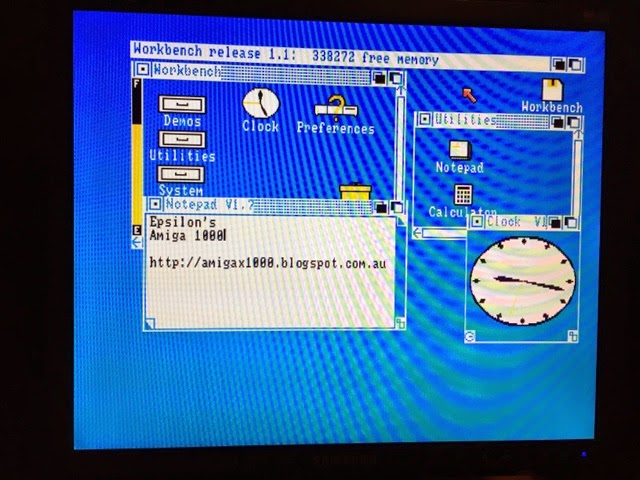
I then booted the V1.1 Workbench disk. Have to admit it has been a very long time since I have seen a V1.1 Workbench!


Close up view (sorry for crappy iPhone screen photo quality):


Having determined the Amiga 1000 worked, the next priority was to make a v1.3 Kickstart disk. When I sold my Amiga 1000 ten years ago, I included all the Kickstart disks with it since I assumed I wouldn't need them anymore. Heh, feeling stupid now.

So now I needed to create a new kickstart disk. Fortunately there is an easy way to do this via a program called WriteKickDisk (available on AmiNet here). This needs a Classic Amiga and does not work on the X1000 (I did try it though).

Using my Amiga 4000T, I then ran WriteKickDisk to transfer a Kickstart 1.3 ROM file (copied from my A2000 using a program called GrabKick) to a floppy disk:


So now I am ready to try my new Kickstart 1.3 disk on the Amiga 1000. I power off the Amiga 1000 so it prompts to load the Kickstart disk again:


..and Voila! It works. Kickstart 1.3 now up and running on the Amiga 1000:


Now I can load up the various game disks included with the Amiga 1000 which the previous owner couldn't get to work - Ghouls N Ghosts is shown below - works fine now:


As most Classic Amiga fans would know, it is very desirable to have 1MB memory in an Amiga - 512k is a bit limiting and many games don't run on less than 1MB.

Accordingly I have found and purchased a 512k memory expansion module for the Amiga 1000 that plugs into it on the right hand side connector. This will then give the system 1MB of memory. This right hand side connector is the same as the Amiga 500 Expansion connector, except that it is flipped around as it is on the right side (on the A1000) versus the left hand side (on the A500).


So expansion cards intended for the Amiga 500 can in theory be used in the Amiga 1000 by flipping them around - but there are many exceptions to this rule and physical restrictions depending on the expansion casing used!

I haven't received the 512k expansion module yet, and look forward to trying it out when it arrives!


I am also keen to see if Individual Computers releases the promised ACA1000 expansion to allow A1200 accelerators and Hard disk CF cards on the Amiga 1000, like the ACA500 does for the Amiga 500. That would be awesome!

I will clean up the Amiga 1000, and then take a peek inside the case another time as well to see what version of the motherboard is inside this Amiga 1000.

Potentially this Amiga 1000 system is a good candidate for a Gotek or HxC USB/SD floppy controller in place of the normal floppy drive to load games on it, in the absence of a hard disk or other accelerators to run hard disk based games. It would also make booting the kickstart disk each power on much less tedious. I even may try this out next!


Saturday, 14 February 2015

HottiesView on X1000

Recently I was looking around at various image viewers for AmigaOS 4.1 on os4depot when I noticed the release of HottiesView and thought I would give it a go on the X1000.


Despite the racy title, HottiesView (written by Massimiliano Scarano) is a command line based image viewer. You can download it from OS4Depot here.

Sorry for the lack of posts this month so far, but I have been unwell recently and unable to do much at all. I have been getting better recently so I put together another post!

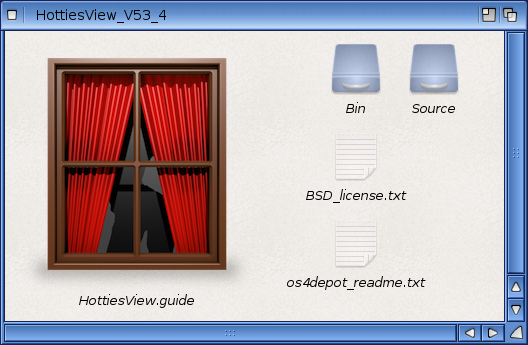
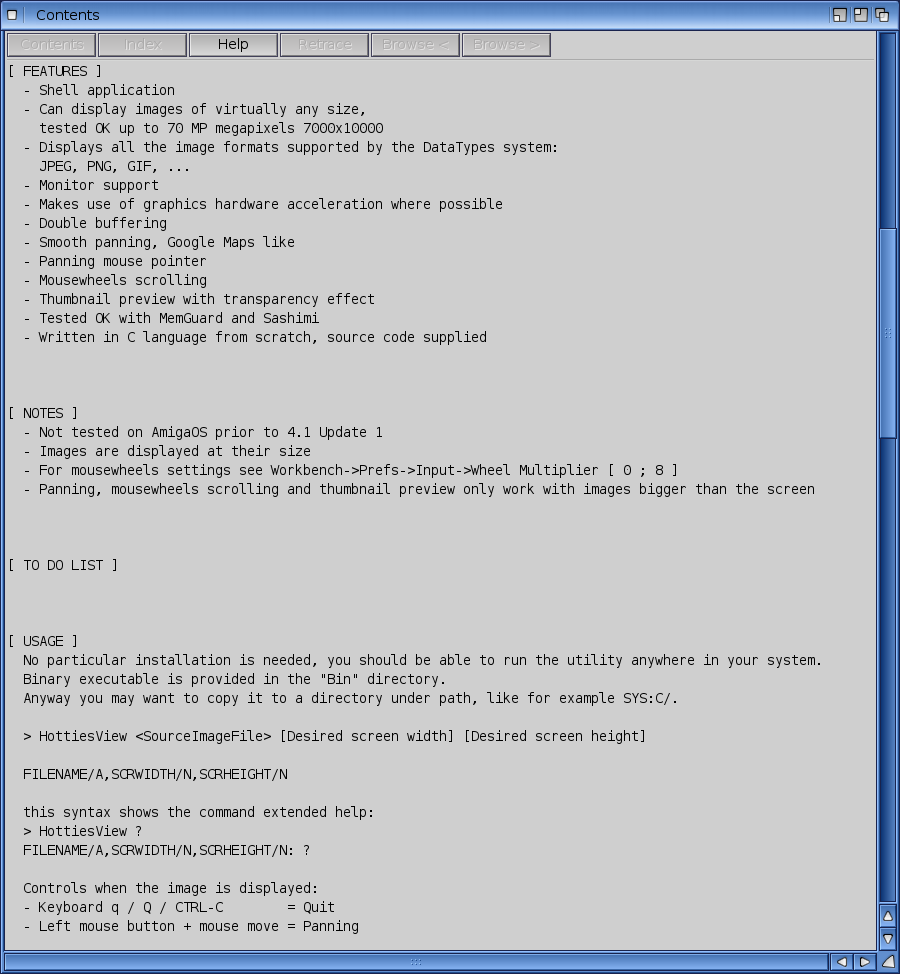
An AmigaGuide help guide is there to get you started with the program and explains the command line switches and controls to move images around while viewing images.


The interesting thing here is the apparent ability to display up to 70 Megapixel images! Unlike other viewers it displays the images at their native size, rather than resizing them to fit the screen that you are using.

I imagine for people who need to look at native resolution photos in detail this would be very useful indeed.

You need to run the Shell and cd to the drawer where you installed HottiesView (in my case SYS:Utilities/HottiesView). inside that drawer is a bin drawer that contains the HottiesView executable program. If you plan to use the program a lot, I suggest copying HottiesView program to C: so it works whichever folder you are wanting to view photos from.

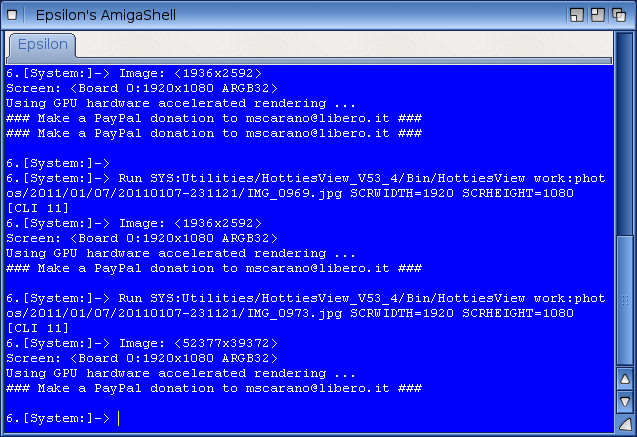
Because I run my X1000 dual graphics cards with 1920x1080 screen resolution, I need to specify this screen size on the command line so that the program uses the full resolution available.

eg. HottiesView <picture> SCRWIDTH=1920 SCRHEIGHT=1080


Rendering and displaying images using HottiesView is fast due to the GPU hardware accelerated rendering, and once on the screen you get a scaled version of the original image in the top left of the screen, and a scrollable (up/down/left/right) full size image filling the screen as below (click to expand):


I moved around the image a bit to show that it is indeed the full resolution picture, and not rescaled.


You can use the mouse and also the CTRL+scroll button on the mouse to navigate around the image, and press Q to quit back to the Shell.

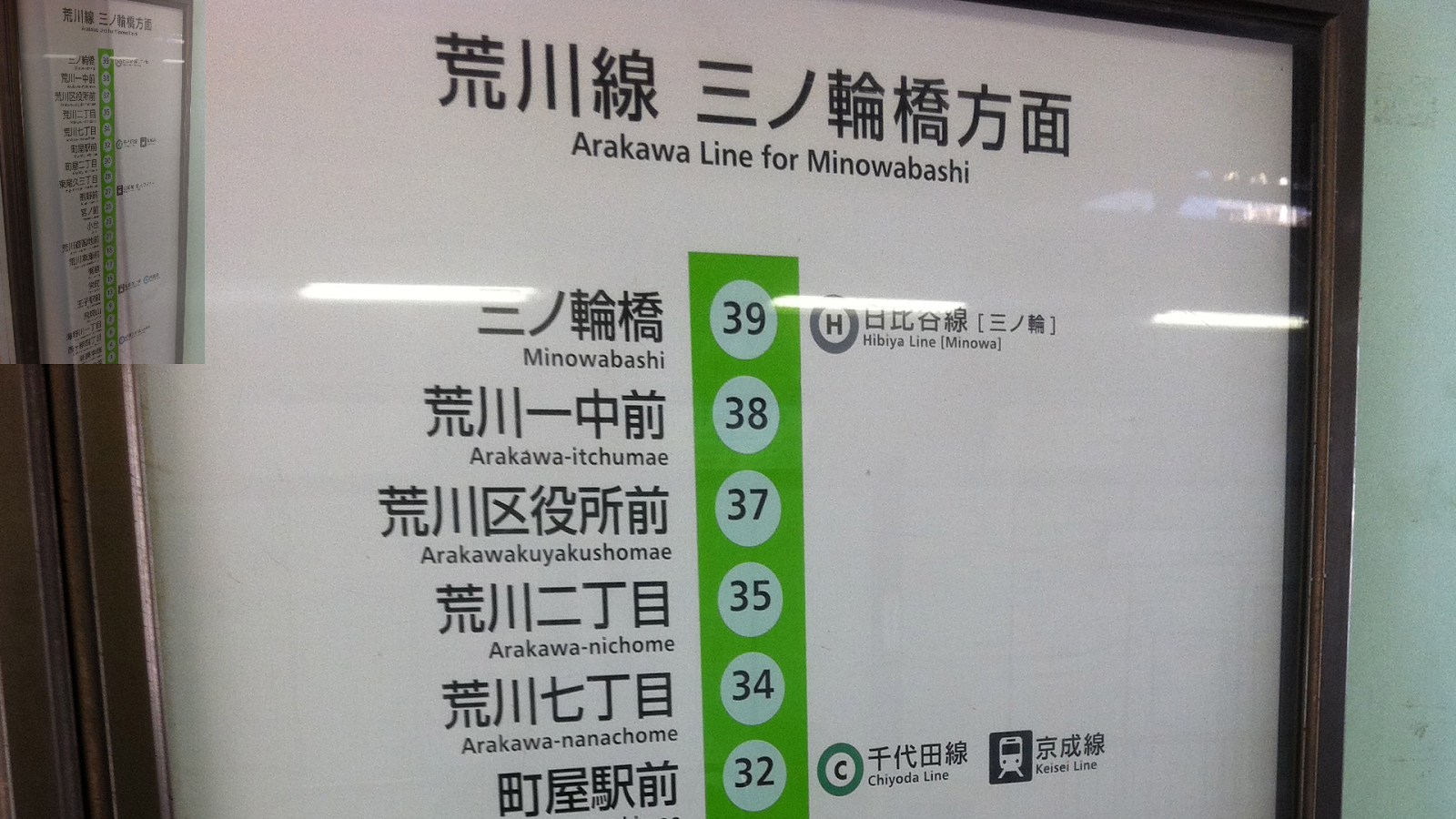
Here is some other images I tried out with HottiesView, all of them above the standard 1920x1080 screen size being used on the X1000:


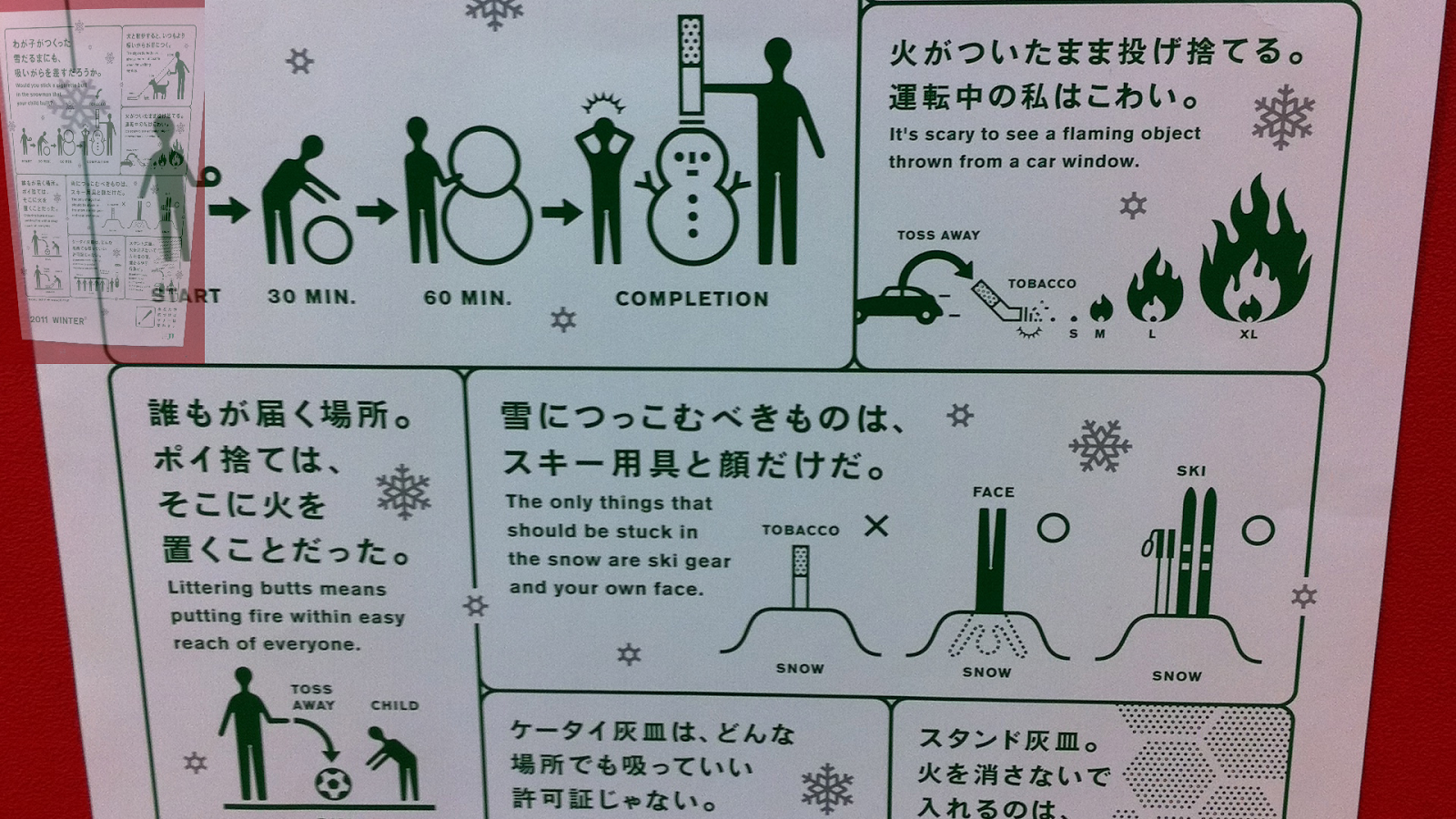
By the way the last picture is one I took of a warning poster about tobacco at a train station in Tokyo. Seriously, only in Japan. :-)

I did one more test photo - this one I took from inside the fully automatic driver-less Toneri Liner train in Tokyo - from the front seat:


There is the makings of a good program here in HottiesView, but I feel it needs a few things implemented before it can be used by the average everyday user like myself, and to be able to compete with other image viewers like LoView (which I showed here), MihPhoto (which I showed here), FastView and more that are already available for AmigaOS4.1.

My suggestions are:

1. A GUI is needed for any image viewer program.
2. Rescaling the images to fit the screen should be an option (without the preview image being present in the top left).
3. Wildcard processing of all images in a drawer as a slideshow.
4. For dual graphics card users like myself, the ability to choose which screen the output goes to.

Apparently the development of a GUI for this program and additional features depends on donations to the author, so any of these enhancements is potentially possible if we want them!