Showing posts with label motherboard. Show all posts

Saturday, 18 April 2015

My X1000 sent to AmigaKit and MorphOS temp replacement

A quick update that after some working with the AmigaKit techs last week on troubleshooting, it has been determined that my AmigaOne X1000 board cannot be fixed here - it looks like a power issue possibly caused by the brief power outage while flashing the CFE but can't be sure yet.


It has now been sent back to AmigaKit in the UK for further analysis - hopefully the problem can be identified and fixed - I really want my X1000 back and working!

When pulling apart my X1000 to prepare the motherboard for shipping I took some photos of the board itself which I thought might be of interest:


Rear of the X1000 board:


Finally is a close up of the Varisys logo (they manufactured the X1000 board), with some signatures below that - like on the Amiga 1000 case (not sure who's signatures though!). There is also the "Keep this party going" B-52's reference, in line with all the original Classic Amiga motherboards having B-52's song titles on them too:


I am hopeful that the issue with the X1000 board can be identified and fixed so I can quickly get back on track with using the X1000 with AmigaOS 4.1 Final Edition again!

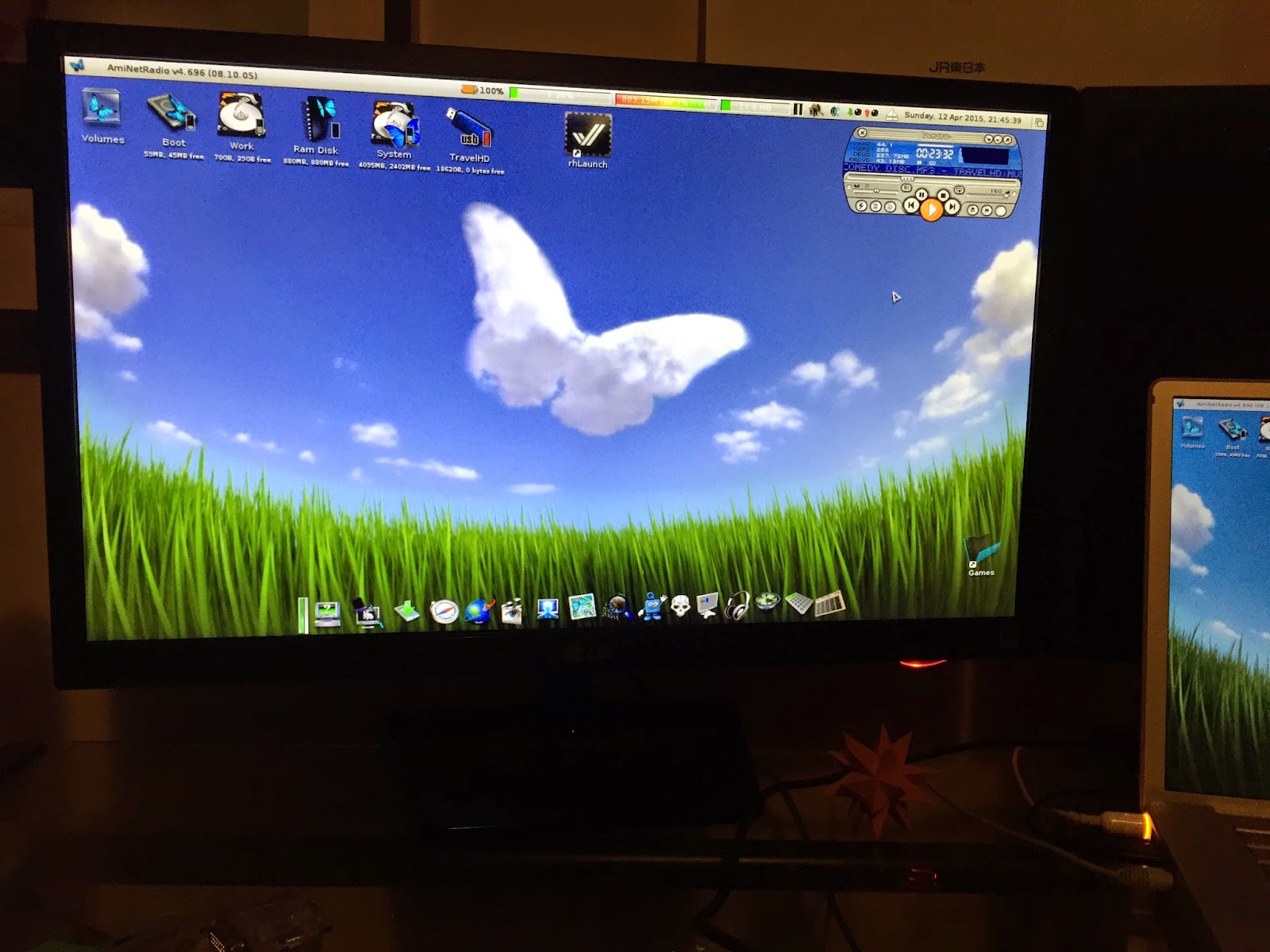
Although it is just not the same, I have temporarily setup my MorphOS 3.7 Powerbook G4 in the X1000's place while waiting this week, as I can't stand the daily reminder that I can't use my X1000 anymore:


Resolution of the external TFT display under MorphOS is not great since it is limited to the same screen resolution as the Powerbook G4 display, which is not the same as the display can handle. The resulting image cuts the bottom off the screen (even with playing with screen positioning) and means I have to reposition the dock higher on the powerbook screen to see it on the TFT screen:


If someone knows a good way to fix that under MorphOS without losing the ability to use the screen on the Powerbook too, I am all ears!


For now, the MorphOS PowerBook G4 is my main NG Amiga to play with until the X1000 is hopefully fixed and returned to me soon!

Tuesday, 20 January 2015

Adelaide Amiga Meeting Jan 2015

Last night (January 19th) I attended the Adelaide Amiga Meeting, held at Clarence Park Community Centre from 7:30pm. It was a great night!
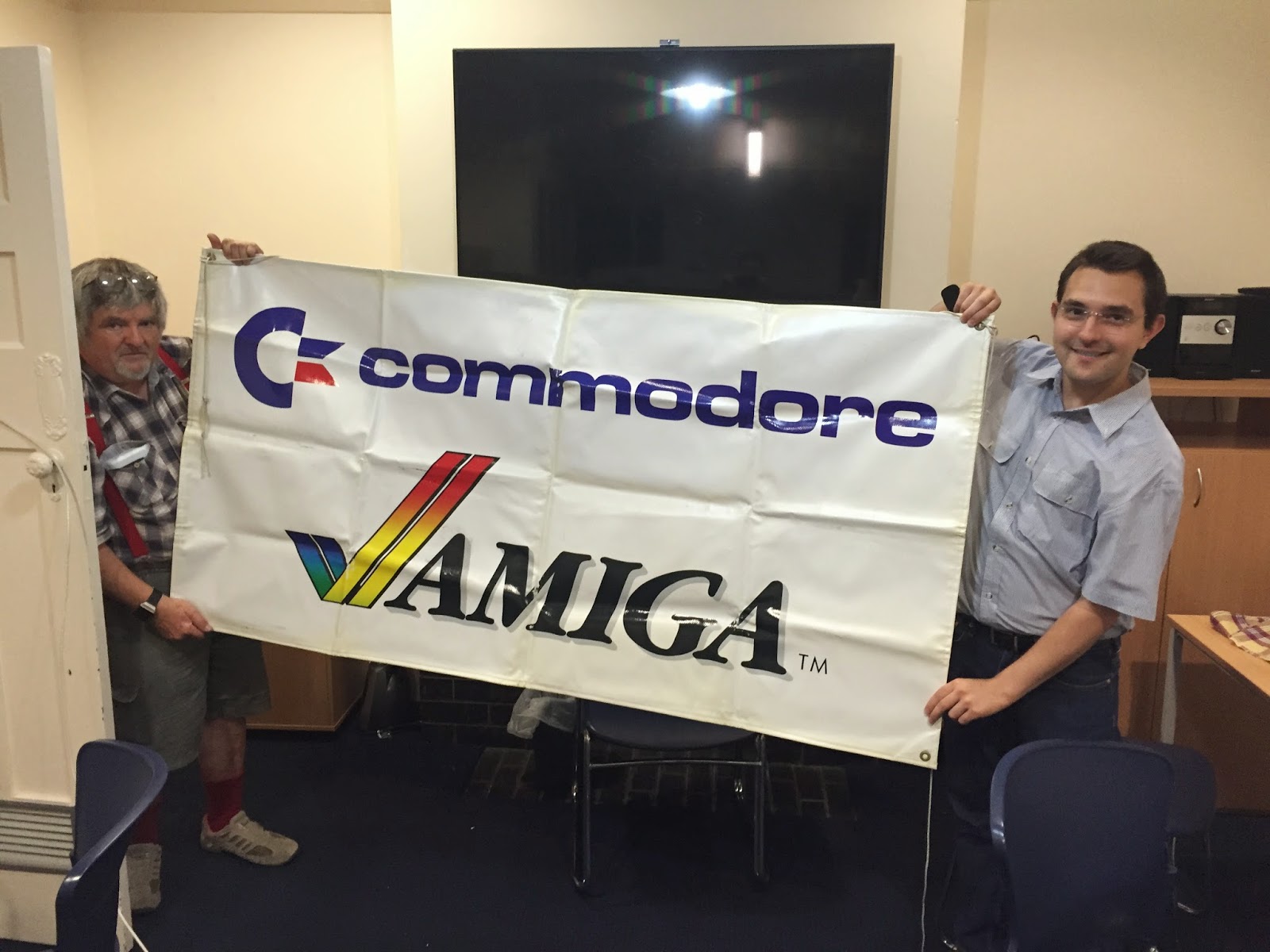


Above is Andrew Wilson and George (AmigaMan101) preparing the room with a big Amiga banner! Andrew Wilson is an Adelaide-based developer of the Phoenix A1000 Motherboard replacement and memory expansion modules.

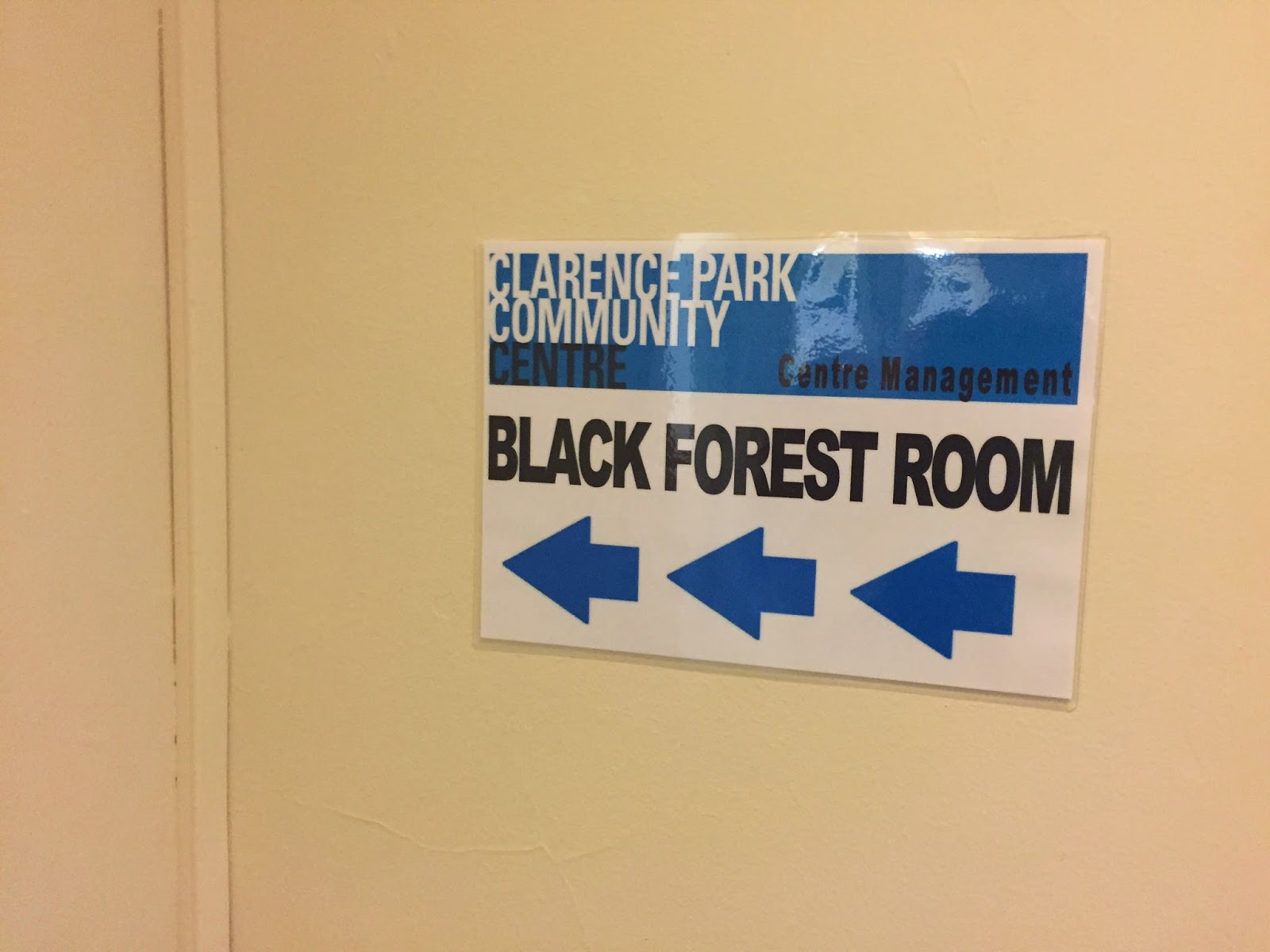
The Adelaide Amiga Meeting was held in the Black Forest Room. There is a regular user group meeting each Monday evening at 7:30pm at this venue too, apparently with a mix of PC, C64 and Amiga users present:


I brought Michael (MickJT) along, and he brought his Sam440ep-flex 800mhz AmigaOS4.1 system with him to display:


In addition, George had brought along his Amiga 500 and Amiga 1000 for the meeting:


Melanie (from the Play it Again Project) was also present, keen to chat to us about our memories of Australian made games in the 1980's as part of her ongoing project. It was very interesting to hear her talk about her project in detail. You can read more about that project on her website here.


I brought along my AmigaOne X1000, which proved quite an effort to pack, unpack, repack and unpack again! But it was worth it because it certainly received a lot of attention from attendees on the night.


I also brought the latest Amiga Future magazine for attendees to flick through to see that Amiga is still very much alive in 2015.

We had plenty of questions about this strange new AmigaOS 4.1 Final Edition version - who is Hyperion, can we run Amiga games on this new system, why do we still muck around with Amigas in 2015 - and so on! It was great to see people's genuine enthusiasm and interest in the Classic and Next Gen Amigas on display.


MickJT was certainly busy showing off what his Sam440ep-flex system could do!


Not since AmiWest 2014 have I been surrounded by so many Amiga systems so I was very glad to talk Amiga with fellow enthusiasts again, this time in my home city!


This Amiga 1000 has a Phoenix Memory expansion module attached - you can see an Amiga 1200 in the background too:


Cameng and MelbourneBen talking about the Amiga 1000:


The Amiga 1200 was rather special, being one of the Amiga 1200's Petro has personally signed - it is in perfect condition:


At the meeting an ACA1231 accelerator was fitted to the Amiga 1200 - it also has a CF card installed which was purchased from AmigaKit.


Ian (below, left) is also an AmigaOne X1000 owner based in Adelaide (wow, there is more than one!), and was very keen to discuss the latest developments and setup hints and tips for the X1000:


Another view of my AmigaOne X1000 on display at the Meeting:


I was surprised that there was a mix of attendees, young and older:


Andrew Wilson and George:


As mentioned, Andrew Wilson, Adelaide-based developer of the Phoenix A1000 Motherboard replacement and memory expansion modules was at the meeting too.
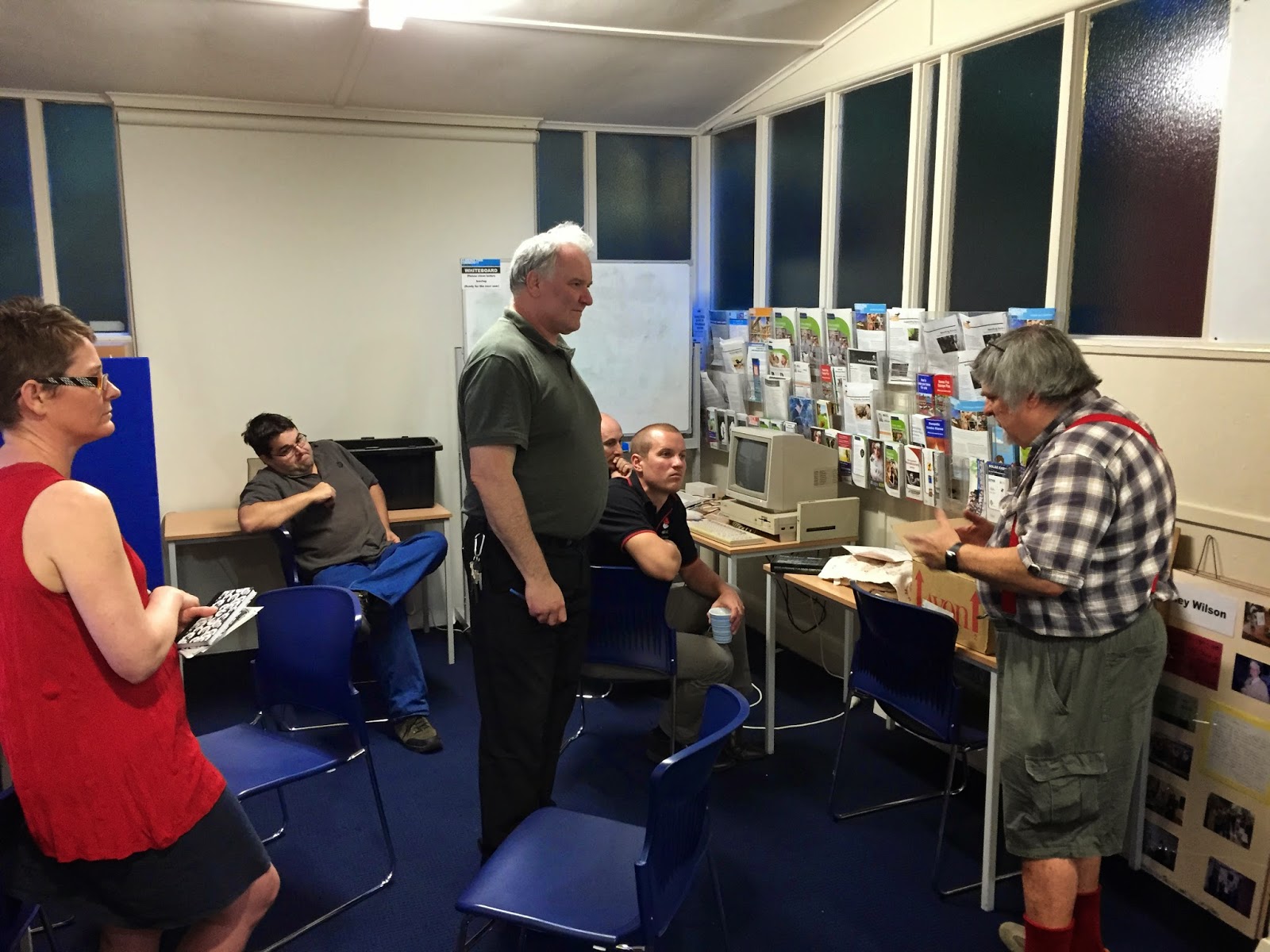


Andrew explaining the features of the Phoenix A1000 memory expansion board:


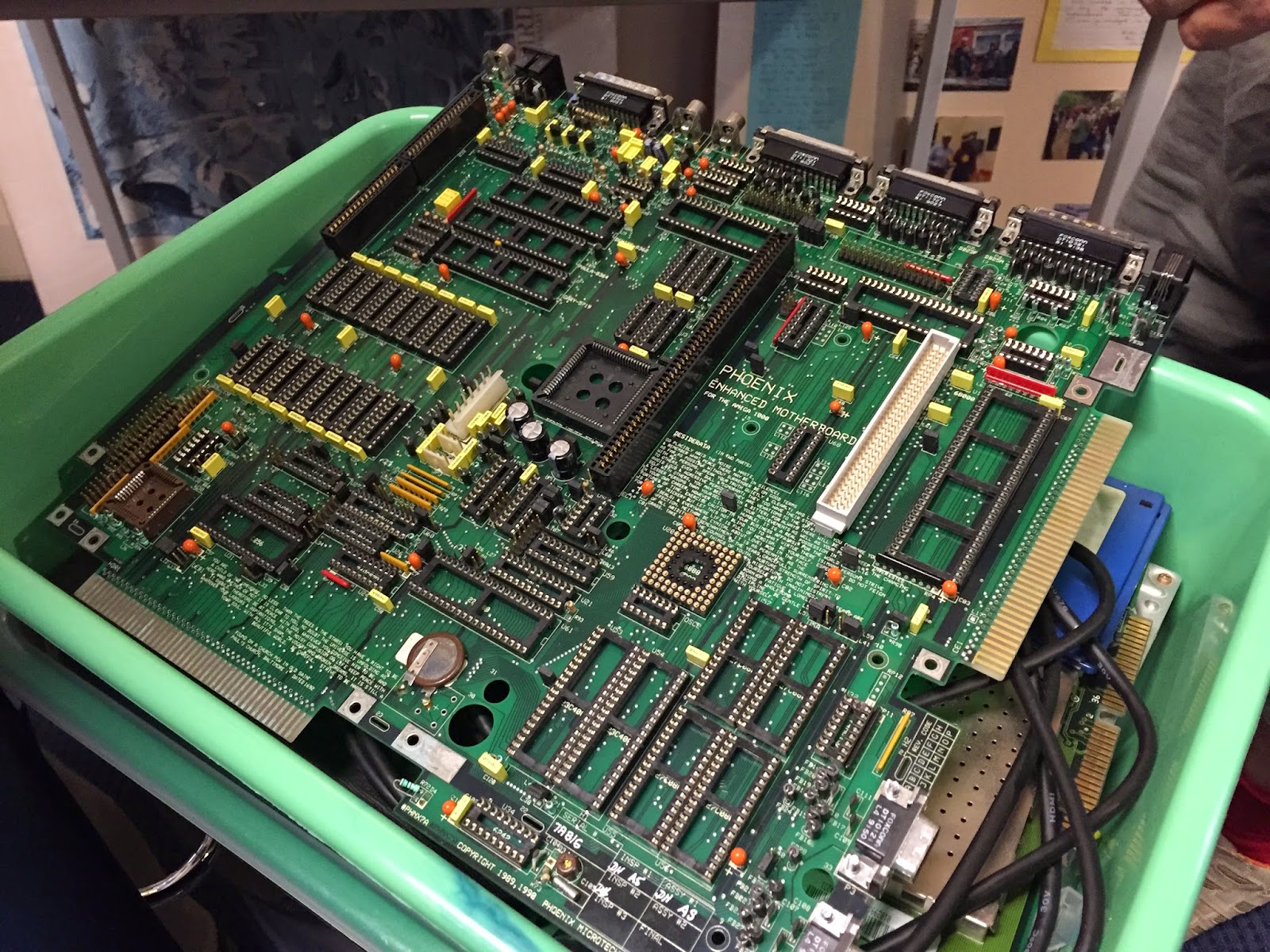
It was very interesting to hear about the development of the Phoenix A1000 board, it's expandability and features.


The Phoenix Motherboard up close:


My AmigaOne X1000 got plenty of interest and I fielded lots of questions from Amigans curious to know more about modern Amiga systems, AmigaOS4, Amigakit and A-EON too:


I also opened up the X1000 so people could take a look at the Motherboard and setup internally:


Also set up at the Meeting was an Amiga 1000 and Amiga 500:


Here, MickJT explaining some of the finer points of AmigaOS4.1:


Andrew was very kind to give a lot of his technical knowledge of the Amiga Phoenix motherboard.

He also explained a bit more about the story behind the approach from members of A1K forum to purchase some Phoenix Motherboards (PCB only) from him back in 2005 to turn into full functional Amiga boards again.


Andrew also brought along some flyers and club magazine from the original Adelaide Amiga user group from back in the day:


MelbourneBen had brought along some Amiga 2000 expansion cards he recently got, including this OpalVision card (made in Australia) which I hadn't seen before:


This second A1000 brought to the meeting was a bit unwell, but thanks to Andrew and some work on the night, it was brought back to life again:


The Adelaide Amiga Meeting 2015 was a lot of fun and I really enjoyed spending time with other Adelaide based Amiga enthusiasts. We probably had about 15-20 people during the evening (wasn't counting) which was great to see. I think if it were held on a weekend you would see even more come!

The show wrapped up around 10:30pm when we packed up and headed home. I had almost lost my voice after so much intense Amiga discussion during the evening!

I want to thank George (Amigaman101) for his work to get this Adelaide Amiga meeting off the ground, Andrew for his interesting presentation of the Phoenix Motherboard, and of course all the other attendees who brought their Amiga's along for a fun evening!

Wednesday, 30 April 2014

Cleaning the Amiga 600!

Having confirmed the Amiga 600 worked ok, today's job was cleaning it out. This of course meant pulling it apart for the first time.


After opening the case (as above), I took a closer look. As you would expect for a computer that is over twenty years old, it is quite dusty inside and in need of a good clean.

Below you can see the kickstart 1.3 ROM and the PCMCIA port on the left:


Thin layers of dust and bits of hair everywhere to clean up. Here is a close up of the IDE connector and hard disk caddy tray:


Really looking forward to cleaning this Amiga up. The shot below shows the Amiga 600 motherboard revision is 1.5, with the Amiga 600 codename "June Bug", continuing the tradition of naming system motherboards after songs written by the music group the B-52's:


The hard disk caddy below is not screwed in and is easily removed. I will keep this caddy out the Amiga 600 permanently as I know I can't have this caddy in place with the planned upgraded Accelerator board mounted in basically the same position:


Next I removed the awful yellowed keyboard from the top part of the Amiga 600 case.


Doing this revealed some terrible rust on the base of the keyboard (which was hidden by the top part of the case previously. In addition, the keyboard itself is bent too, probably from someone hitting or slamming too hard on the arrow keys playing a game I suspect!


The rust left imprints on the top case cover which I needed to clean up too. It made the decision to purchase a replacement second hand Amiga 600 keyboard make perfect sense.

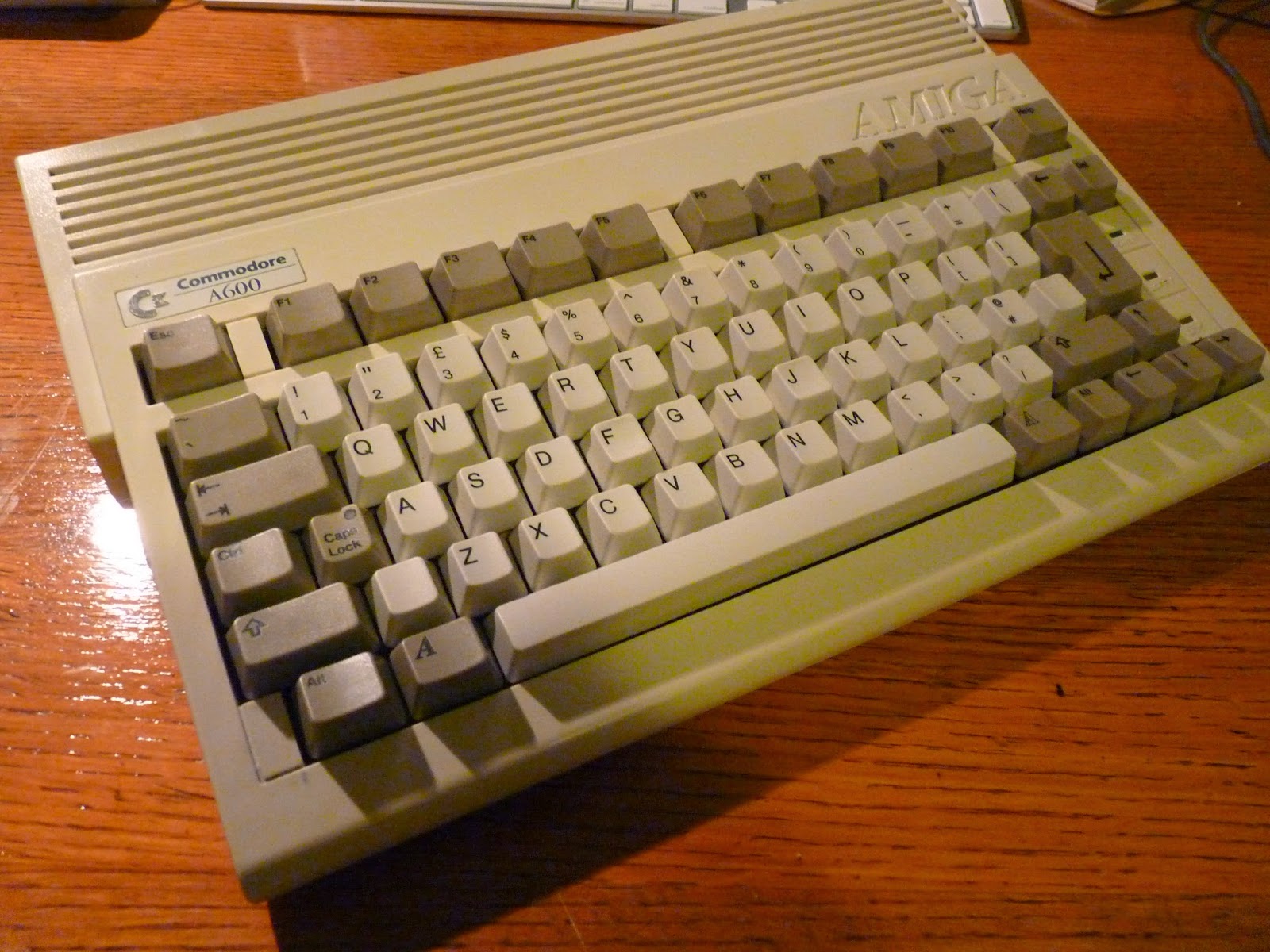
The replacement keyboard (now cleaned up) is shown below:


Next I cleaned the Amiga 600 motherboard with a soft brush, taking great care. I think it has come up looking great:


I checked the capacitors and no leaking anywhere so all good. The motherboard is looking so much better, with hair and dust all gone:


I took a lot of time around the 68000 processor cleaning. This is essential, as the planned upgraded accelerator board attaches around the base of the 68000 processor. It needs a clean connection to the pins of the surface mounted 68000 processor, which is shown below:


Having removed the floppy drive and associated cables for cleaning, the section underneath them now looks much better after a clean too:


Now I can start putting it back together. Although I have a lot more work to do inside this Amiga 600, I want to make sure the cleaning I did hasn't caused any issues, and to test the replacement keyboard works properly.


Unfortunately the previous owner has broken all the plastic connectors for the top part of the case to connect to the bottom, which means the screws are the only things holding the top to the bottom at the moment, but not a big issue right now. It is very easy to break the plastic connectors on the Amiga 600 and 1200. I never managed to do it myself, but plenty of Amiga 600 and 1200's I have bought over the years have this.

Anyway, once put back together it looks like a very nice Amiga 600 again, and ready for testing:


I connected the Amiga 600 back up to the monitor using the scan doubler, booted workbench 1.3 from disk again, and it booted fine, no problems.


I then opened an AmigaShell window and tested all the number keys and then the other keys work on the new keyboard, which they did:


Success, new keyboard installed and Amiga 600 still working well after the cleanup! 

So the next task (and blog entry) I suspect will be upgrading the Kickstart ROM to a 3.1/1.3 ROM Switcher!